


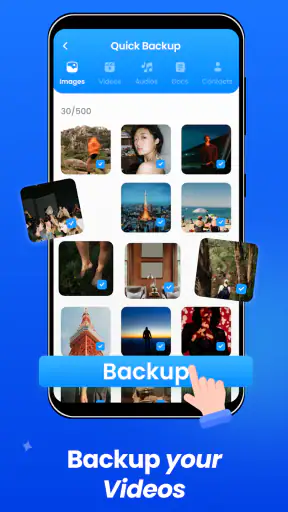
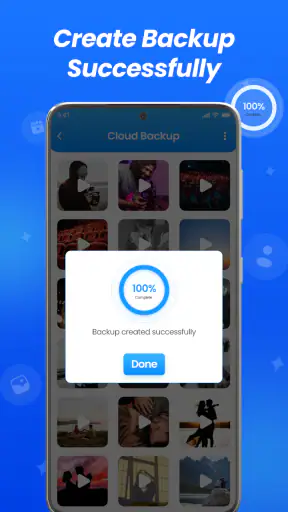
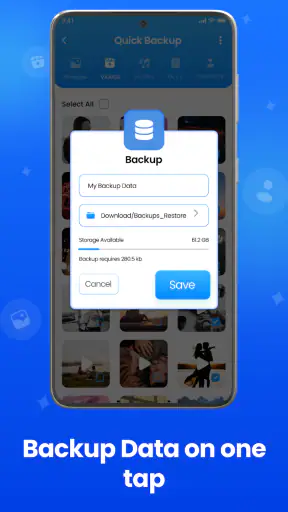
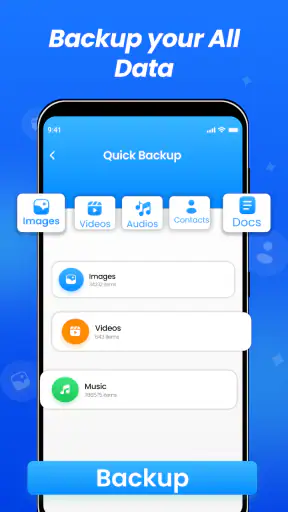
I first look at a backup app through a very practical question: would I trust it with the files I would hate to lose? Cloud Storage Backup & Drive is aimed at that everyday problem, offering a place to back up files, photos, videos, and contacts rather than leaving everything tied to one phone. It is a free productivity app from Daily Utility Apps, and its straightforward purpose makes it easy to understand even before exploring the settings.
After spending time with it, I see the app as a useful safety net for people who want a simple cloud copy of personal data. It is not the sort of tool I would choose for complex team collaboration or detailed file management, but it can make a real difference when changing phones, clearing storage, or recovering from a device problem. The strongest reason to use it is peace of mind, not advanced cloud-drive features.
How Cloud Storage Backup & Drive feels today
The current release is version 1.7.8, and the app has been available since December 12, 2019. That history matters because this is not a brand-new experiment that still needs to prove its basic purpose. It has reached more than a million installs and holds an average rating of 4.2 from roughly ten thousand ratings, which suggests that many people find the central backup workflow useful while still leaving room for individual differences in expectations.
The interface is best approached with a clear plan. I would begin by deciding what matters most: irreplaceable photographs, important documents, videos that are difficult to recreate, or contacts that would be inconvenient to rebuild. Backing up everything without thinking can make a cloud service harder to manage, especially when large videos and repeated images are involved. A selective first backup is a sensible way to understand how the app behaves on your own device.
Its age rating is Everyone, and the minimum operating-system requirement is Android 8.0. That gives the app a reasonably broad audience among people using older Android phones, although compatibility alone does not guarantee that every device will handle background work in exactly the same way. Battery-saving settings, available storage, and the phone manufacturer's restrictions can all affect backup habits.
The free price makes trying it low-risk, but the presence of in-app purchases ranging from $0.49 to $499.99 per item means I would not assume that every possible storage arrangement or premium option is included without checking the purchase screen carefully. That is especially important for a family device or a phone containing years of high-resolution media. A free starting point is convenient; it is not the same as unlimited capacity.
A useful routine for a new phone
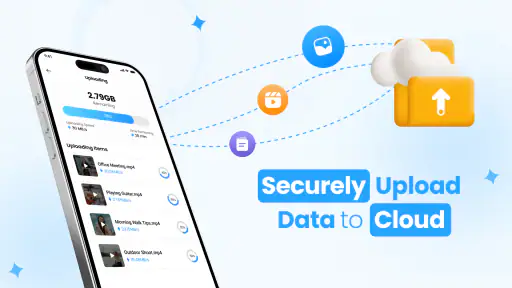
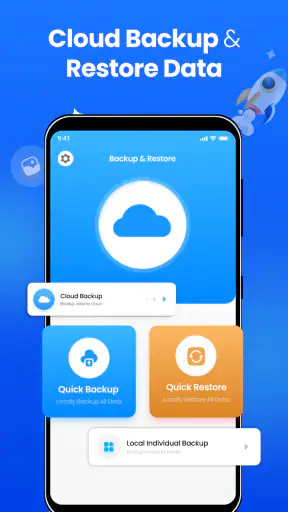
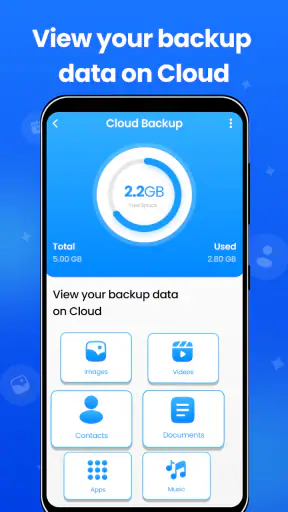
A realistic example is moving from an old phone to a new one. Before handing the old device to somebody else, I would use the app to create a backup of contacts, selected photos, essential videos, and documents stored in the phone's folders. I would then open the cloud area and confirm that the important items are visible before wiping the old handset. That final check is the step people often skip, and it is more valuable than simply pressing a backup button.
I would also keep the old phone connected to power and a dependable internet connection during a large upload. A backup interrupted halfway through can create false confidence if the user assumes that starting the process means everything has already arrived safely. Cloud Storage Backup & Drive is most helpful when it becomes part of a repeatable routine: upload, inspect, and only then remove local copies.
For contacts, the app can be particularly useful when a person is switching devices or wants a second copy outside the phone's usual account system. Still, I would treat contact backup as a supplement rather than the only protection. Contacts can contain different fields, duplicates, and old entries, so I would review the restored result on the new device instead of assuming that the backup will match the original address book perfectly.
What the version history tells existing users
The confirmed version is 1.7.8, but a version number by itself does not explain every change a user may notice. I would avoid treating it as proof of a particular feature, speed improvement, or security behavior unless the app itself describes that change clearly. The useful conclusion is more modest: the product has continued to receive versioned development since its original release, so existing users should check the current interface rather than relying entirely on old instructions or screenshots.
That matters when a person has used the app for a long time. A backup destination, selection screen, sign-in step, or restore control may be presented differently after updates, even when the main purpose remains the same. Before upgrading a phone or deleting local material, I would spend a few minutes locating the current restore and account controls. Familiarity with an older layout is not a substitute for verifying the present workflow.
For someone installing it now, the newer version is the relevant experience. I would start with a small, non-critical batch instead of immediately sending an entire camera library. This approach reveals how the app handles file selection, whether the process is comfortable on the particular phone, and how easy it is to find uploaded items later. It also avoids turning the first session into a long, confusing transfer.
One of the less obvious trade-offs is that a backup app and a file-storage app are not quite the same thing. A backup is organized around recovery; a drive is organized around browsing and using files. Cloud Storage Backup & Drive tries to serve both ideas, but I would still decide which job is more important before relying on it. If I mainly need a safe copy of memories, a backup-first routine makes sense. If I need constant document editing, shared folders, and detailed collaboration, a more specialized cloud workspace may be a better fit.
Where it helps more than ordinary phone storage
Keeping files only on a phone is convenient until the phone is lost, damaged, reset, or replaced. A cloud copy separates the data from the physical device, which is the central benefit here. The app is also useful for people who regularly take photos and videos but do not want to connect the phone to a computer every time they need another copy.
I can see it working well for a student who wants documents available after a phone change, a parent protecting family photographs, or a small-business owner keeping copies of receipts and reference files. In each case, the value comes from reducing dependence on one handset. The app is less compelling for someone who already has a carefully maintained computer backup and never needs mobile access, because adding another destination may create more organization work than benefit.
A practical tip is to separate “must recover” items from “nice to keep” items. Important identity documents, work files, and personal photographs deserve priority. Temporary downloads, duplicate images, and large files that can easily be obtained again may not deserve the same treatment. This simple sorting decision can reduce upload time and make the cloud area easier to search later.
Another useful habit is to give files understandable names before backing them up. A cloud copy of a document called “download123” is technically safer than no copy, but it is not pleasant to recover months later. Renaming a few important files first makes the service more useful in an emergency. This is not a flashy feature; it is the kind of small preparation that determines whether a backup is genuinely usable.
Limits I would consider before depending on it
The first limitation is capacity planning. Photos and especially videos can consume cloud space quickly, and the existence of paid items means users should examine what their chosen plan actually covers. I would not begin a large media upload without knowing how much material I intend to store and what happens when the available allowance is reached. The app's free entry point is attractive, but heavy media users need a clearer personal budget.
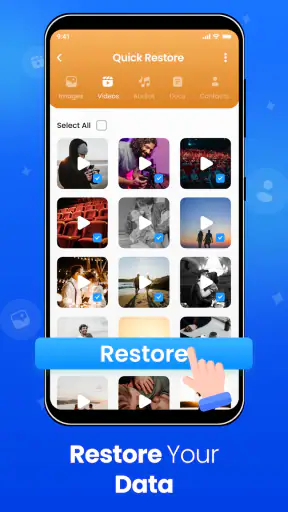
The second limitation is that cloud backup does not automatically solve every recovery problem. A backup is only useful if it completed, remains accessible, and can be restored in a form the user can work with. I would periodically open a few older files, inspect photographs, and confirm that contacts are present. Testing a small restore is more reassuring than trusting a notification that appeared long ago.
There is also a difference between protecting data and protecting privacy. I would read the app's current permission and account screens carefully, especially before enabling access to contacts or a large photo library. Anyone uncomfortable placing personal material in a third-party cloud should compare this app with a local computer drive or another provider whose privacy controls they already understand. Convenience should not replace a decision about where sensitive information is stored.
People who need detailed sharing controls, collaborative editing, extensive file versioning, or a highly specialized work environment may find a traditional cloud-drive service more suitable. Cloud Storage Backup & Drive is easier to justify when the goal is personal backup and basic access. It is harder to justify as the central platform for a team with strict organization requirements.
Users should also be realistic about background behavior. Android phones can restrict apps that consume battery or operate in the background, and a manufacturer may apply additional limits. If automatic backup is important, I would check the phone's battery settings and occasionally confirm that new content actually appears in the cloud. This is a concrete weakness of relying on automation: it can feel invisible until the day a missing file matters.
Who should use it, and who should choose another route
I would recommend it to an Android user who wants a focused place for personal files, photographs, videos, and contacts, particularly when moving between phones. The free installation, broad device compatibility, and uncomplicated purpose make it approachable for people who do not want to build a technical backup system from scratch.
I would be more cautious about recommending it to a professional photographer, a business managing sensitive records, or a team that needs precise sharing and audit controls. Those users should compare storage limits, privacy terms, recovery behavior, and collaboration tools in detail before making this their primary system. A basic personal backup app can be excellent at reducing everyday risk while still being the wrong tool for regulated or complex work.
It is also not ideal for somebody who wants a completely automatic “set it and forget it” experience without ever checking results. My preferred workflow includes occasional spot checks, especially after a major phone update, a change of account, or a long period of poor connectivity. That extra attention is a small price for knowing that the backup is real rather than assumed.
My view after weighing the trade-offs
Cloud Storage Backup & Drive succeeds because it focuses on a problem most phone owners understand: important data should not live in only one place. Daily Utility Apps has built a productivity tool that can fit naturally into a phone-change routine, a photo-protection habit, or a simple document archive. Its current version and long availability make it worth considering for users who want to start with a familiar cloud backup approach.
My recommendation comes with one condition: use it deliberately. Select valuable material, allow uploads to finish, confirm that files can be found, and understand the storage options before committing to a large library. Those steps turn the app from a convenient icon into a dependable part of a backup plan.
The main thing I would watch going forward is not a particular promised feature, but the balance between simplicity and control. Existing users will want updates to preserve reliable backup and restore flows without making the app harder to understand. New users should watch how comfortably the current release fits their device, storage needs, and privacy expectations. If your priority is a straightforward personal safety copy, this app is worth trying; if you need a complete collaborative cloud workspace, another option will probably suit you better.


